How to Delete your Parde account
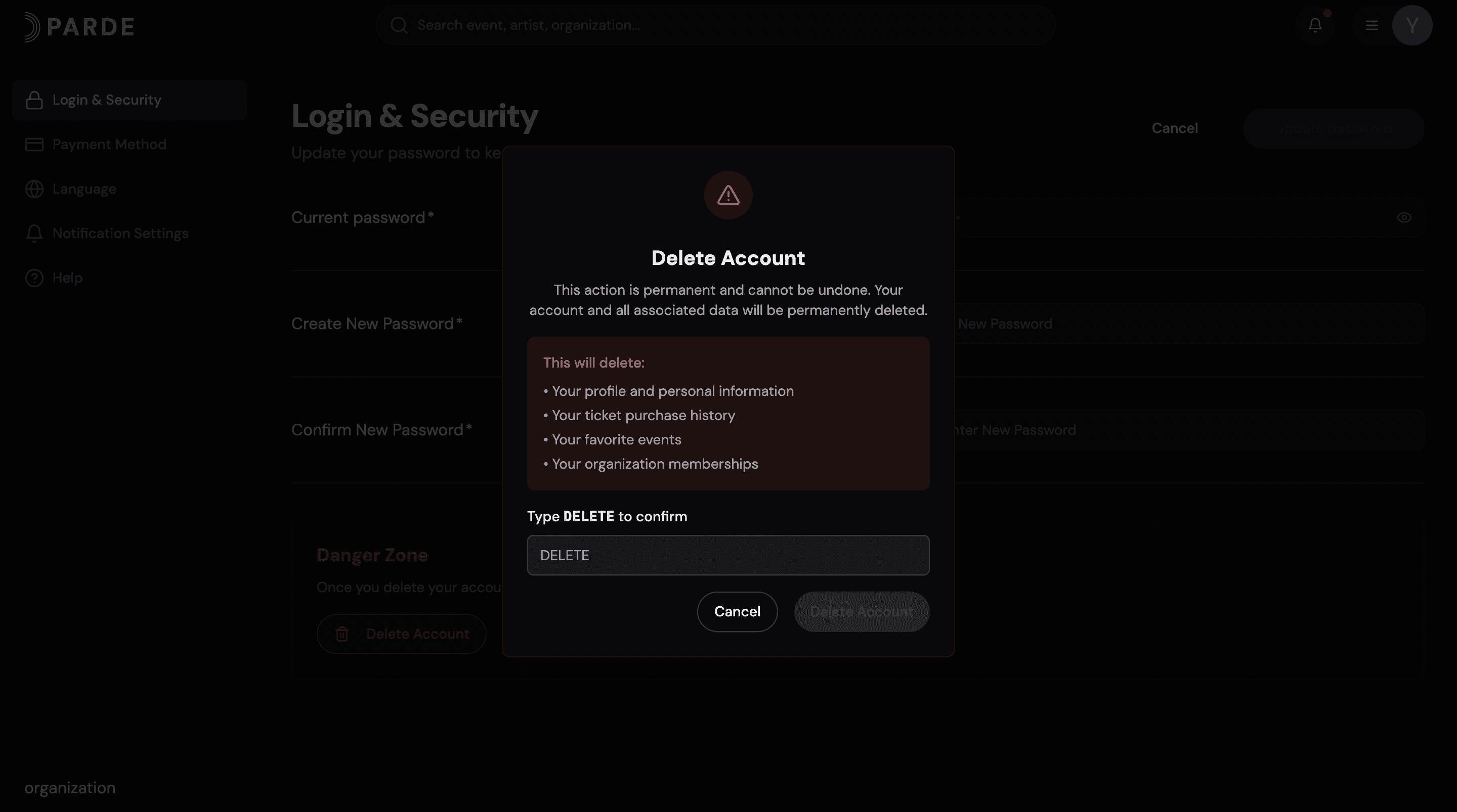
The steps below outline the required process for deleting your Parde account. For a more detailed explanation, please refer to the full account management guide.
Click your profile menu in the top-right corner.
Select Account Settings.
Go to the Login & Security section.
Click Delete Account.
Type DELETE to confirm, then click Delete Account again.
Done! Your Parde account has been successfully deleted.