How to Find Your Event Tickets on the Parde Website
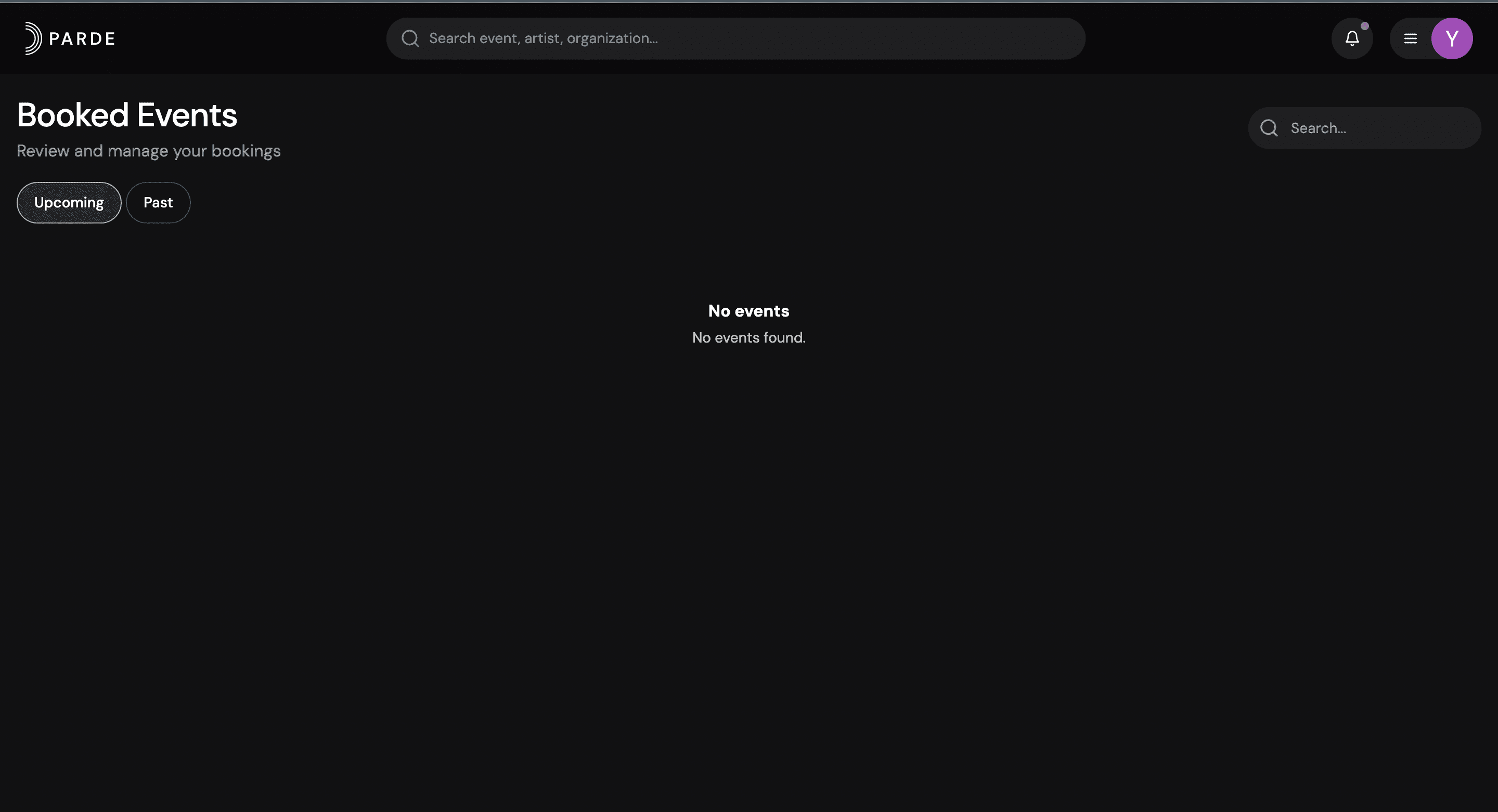
The steps below outline the required process for finding your booked event tickets on the Parde website. For a more detailed walkthrough, please refer to the full ticket access guide.
Go to https://parde.app/attending.
Create a new account or log in to your Parde account.
Click your profile photo in the top-right corner.
Select Booked from the menu.
All your booked events and tickets will be displayed on the Booked page.