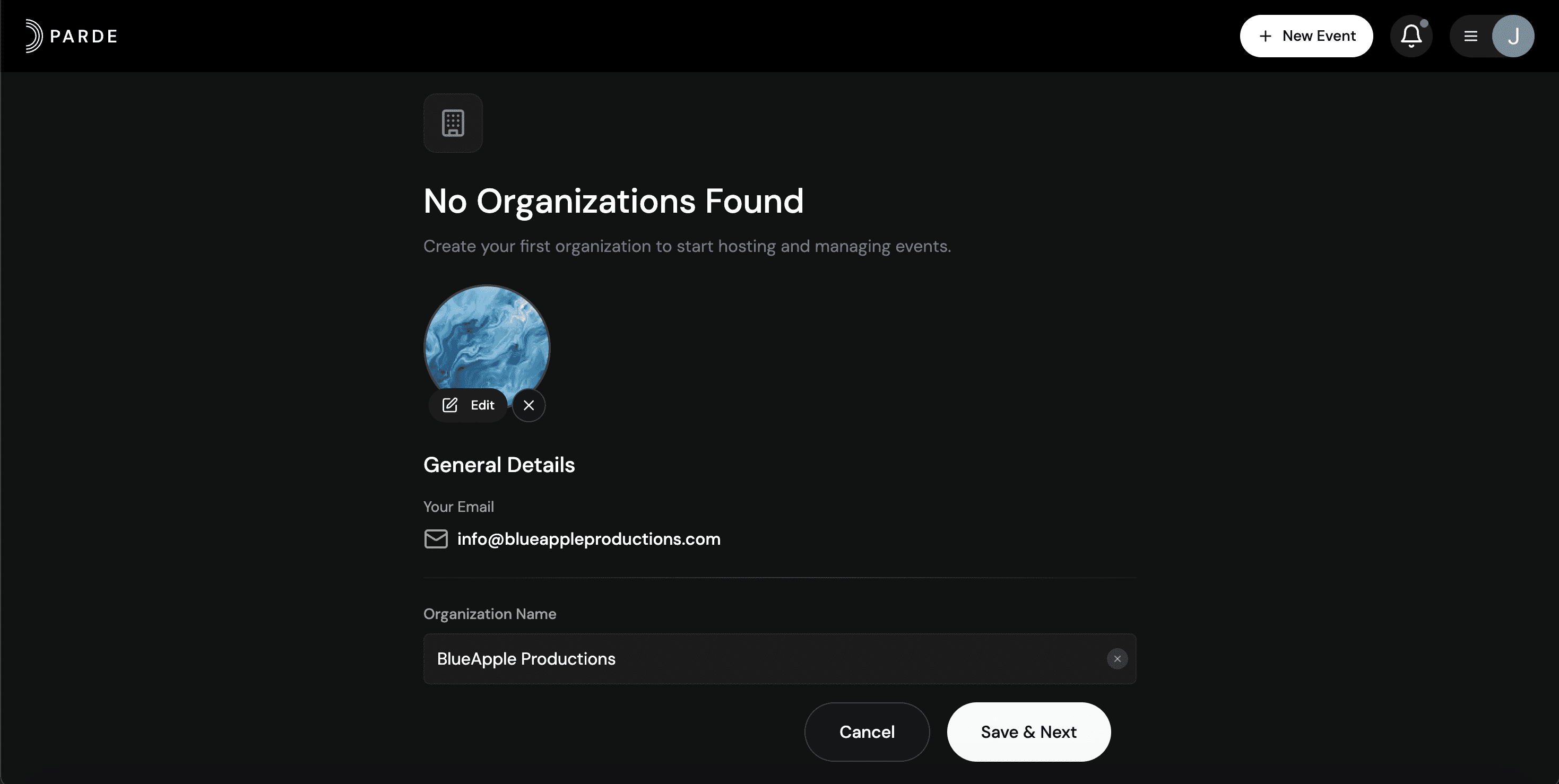
How to Create a New Organization
Desktop
Log in to your Parde account in a web browser.
Click the menu icon (☰) in the top-right corner.
Click on “Switch to Seller Side”
Select “+ New Organization.”
Choose the location where you’ll be selling tickets.
Enter your organization’s name.
Upload your logo by selecting an image file.
Click “Continue” to save your changes.
Mobile
Log in to your Parde account in a web browser.
Go to the accounts page using the bottom navigation.
Once in the accounts page, scroll down.
Click on “Switch to Seller Side”
Select “+ New Organization.”
Choose the location where you’ll be selling tickets.
Enter your organization’s name.
Upload your logo by selecting an image file.
Click “Continue” to save your changes.