How to Create a Second Organization on Parde
The steps below are listed as the required steps to create a second organization on Parde. Otherwise, please refer to the full organization creation guide for a more detailed walkthrough.
Switch to the Seller Side.
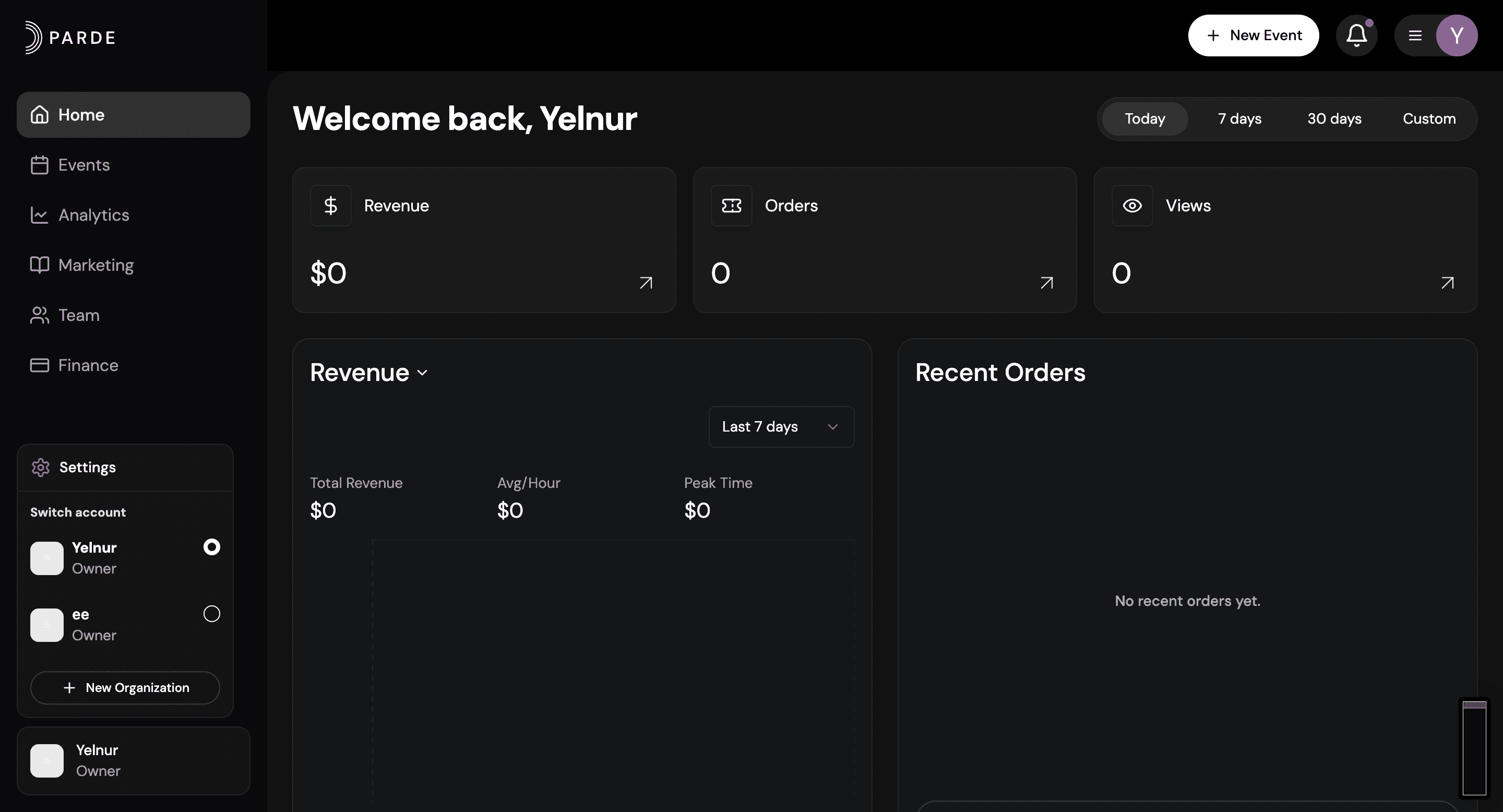
Click the icon with your name in the bottom left corner.
From the menu that appears, click “+ New Organization.”
Add the required information and relevant email addresses.