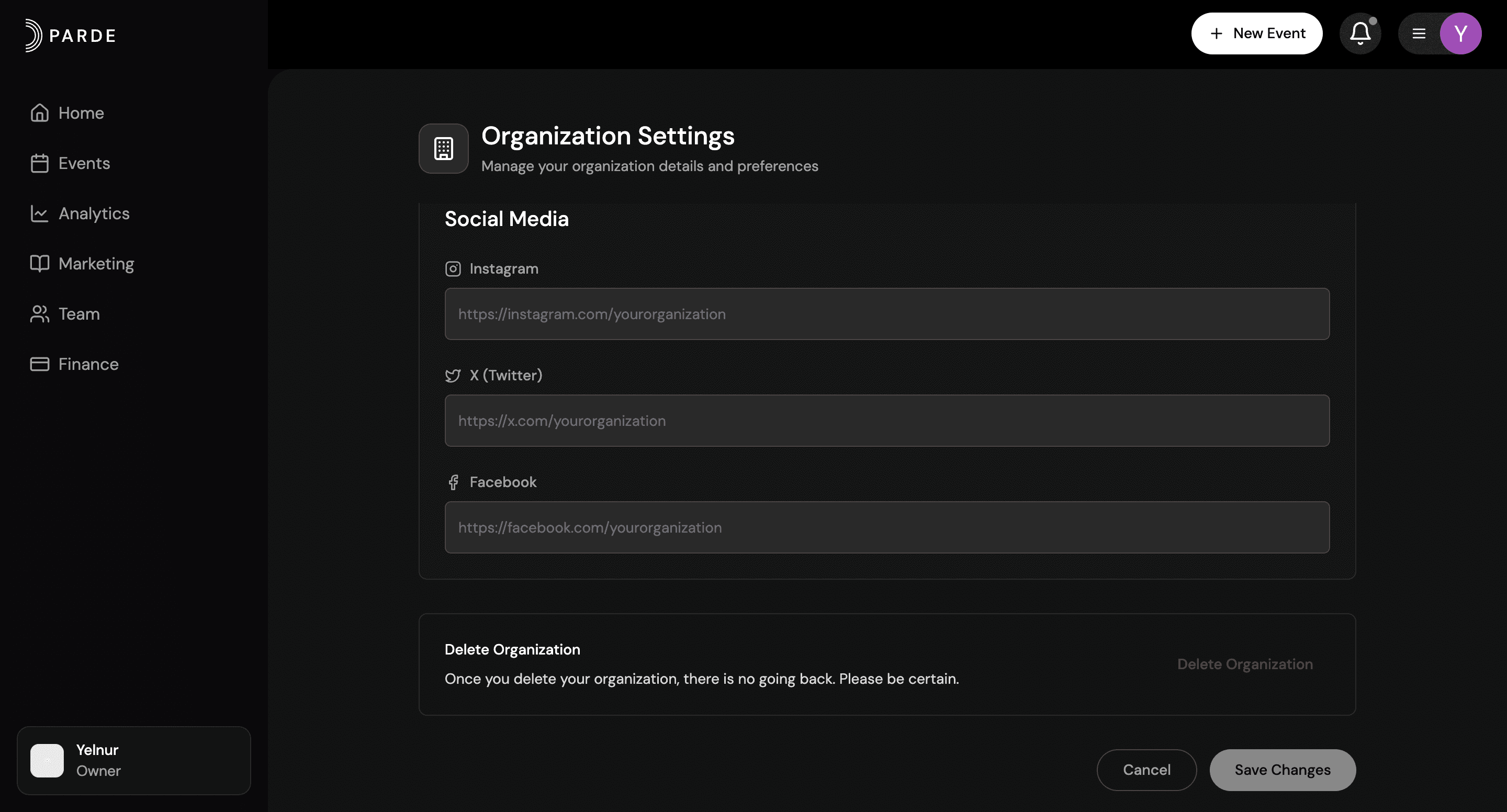
How to Delete an organization on Parde
Below is a brief overview of how to remove an organization from your Parde account. For a complete, step-by-step explanation, please see the full organization management guide.
Log in to your Parde account on the website.
Switch to the Seller Side.
Click the organization icon at the bottom left corner.
Go to Settings.
Scroll down to the bottom of the page.
Click the red “Delete Organization” button.