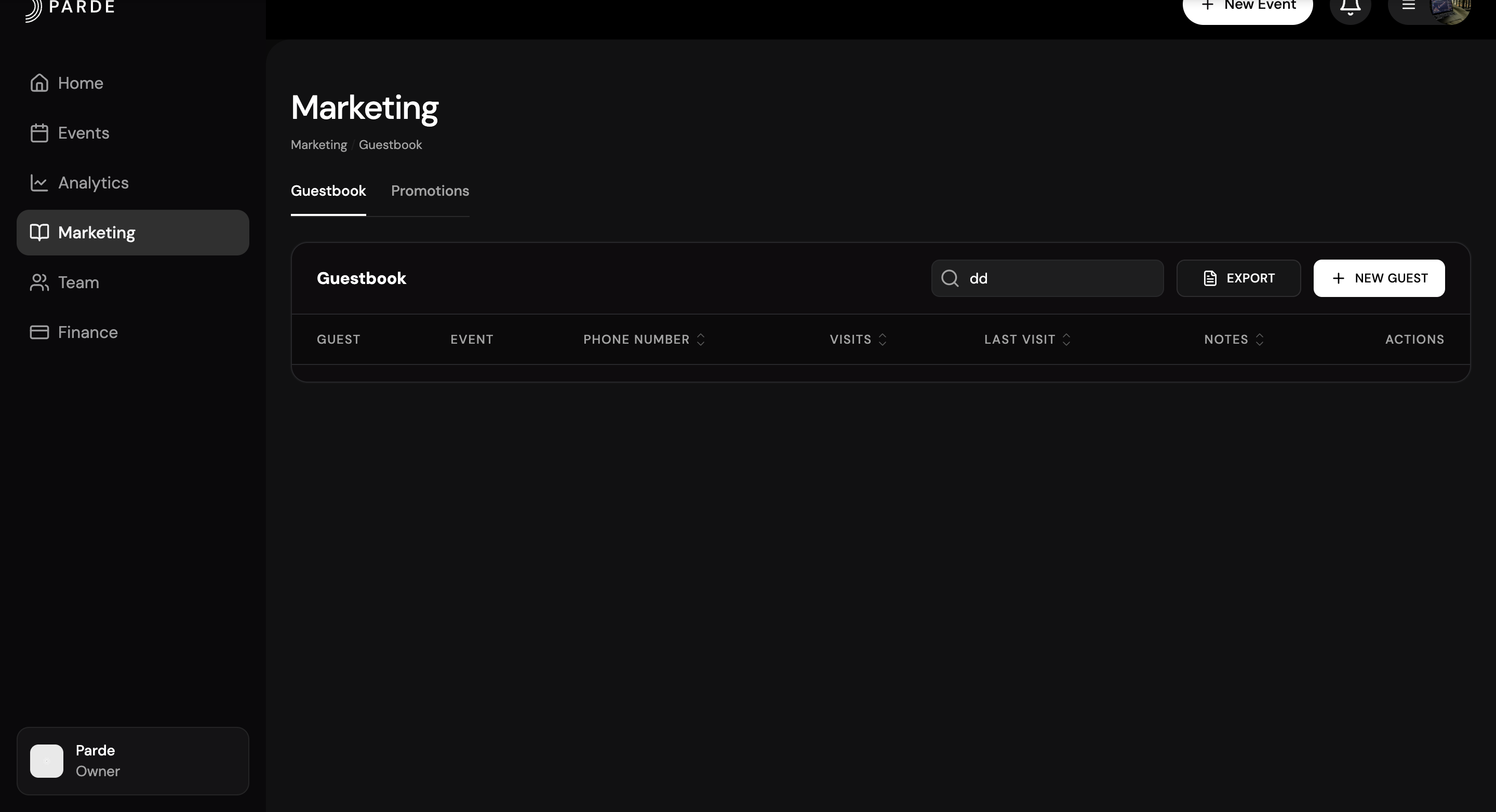
How to Export Consumer Data
The steps below outline the required process for exporting consumer data on Parde. For a more detailed explanation, please refer to the full data export guide.
Switch to the Seller Side.
Go to the Marketing page.
Open the Guestbook section.
Click Export.
Select the appropriate date range and file format.
Click Export to confirm.
Done! Your consumer data has been successfully exported.
Which information will be exported?
When you export consumer data, the following information will be included:
Purchase Time – When the ticket was bought
Customer Full Name – Buyer’s full name
Email – Buyer’s email address
Total Amount – Total amount paid
Event Title – Name of the event
In short:The export includes buyer details, purchase information, and event name.
File Formats Available for Export
You can export consumer data in the following formats:
CSV (.csv) – A simple text file format that can be opened in Excel, Google Sheets, or other spreadsheet software.
XLSX (.xlsx) – An Excel file format with structured spreadsheet features.
Simple difference:
CSV is basic and lightweight.
XLSX is more advanced and designed specifically for Microsoft Excel.