How to Switch Between Your Organizations on Parde
The steps below are listed as the required steps to switch between your organizations on Parde. Otherwise, please refer to the full organization management guide for a more detailed walkthrough.
Switch to the Seller Side.
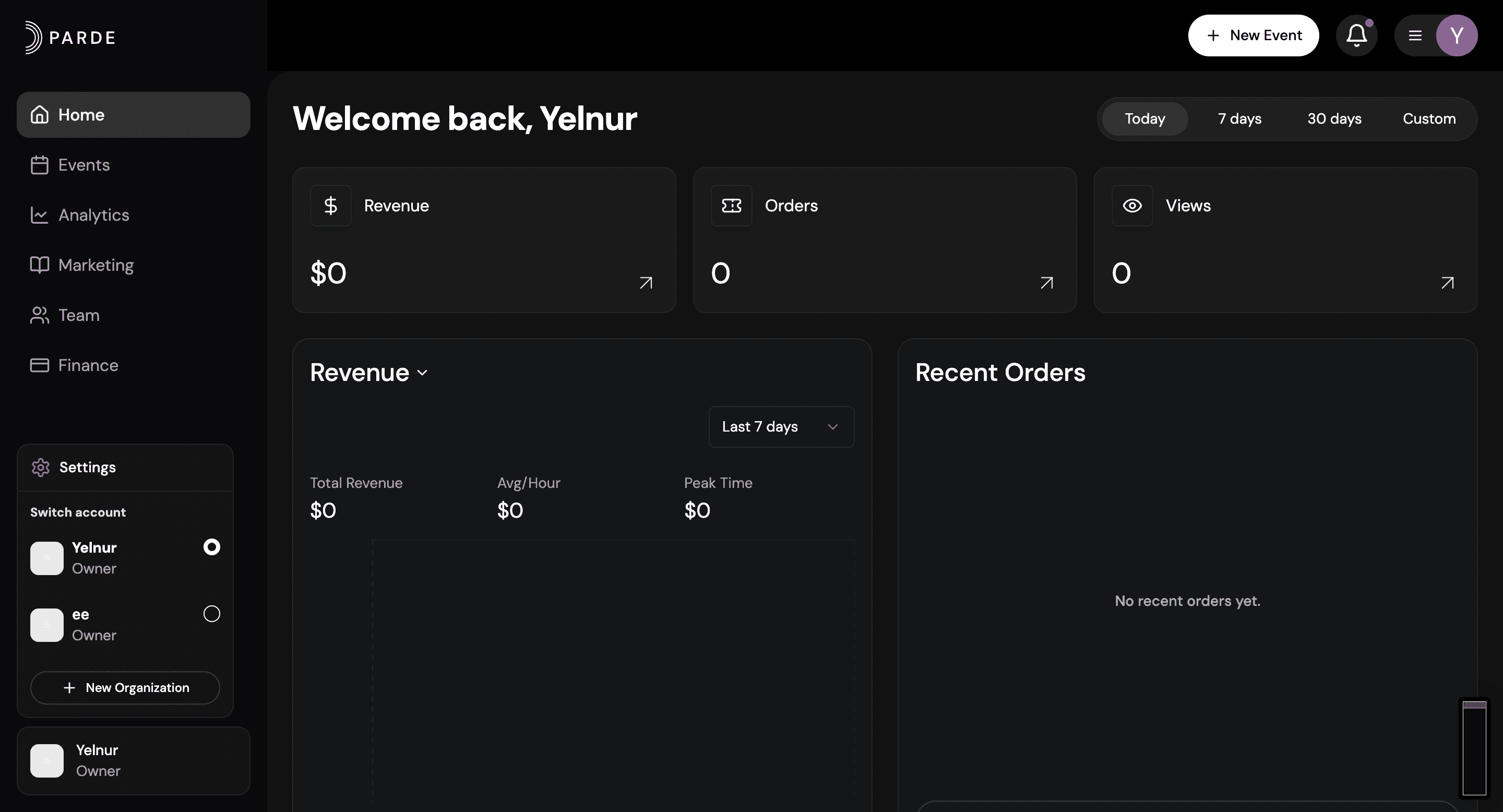
Click the icon with your name in the bottom left corner.
From the menu that appears, view the list of your organizations.
Click the name of the organization you want to switch to.